Everything SubPro can do
Built this far,for people who learn.
For members: find a technique, watch it, loop it, write it down. For you: upload, organize, and decide who sees what.
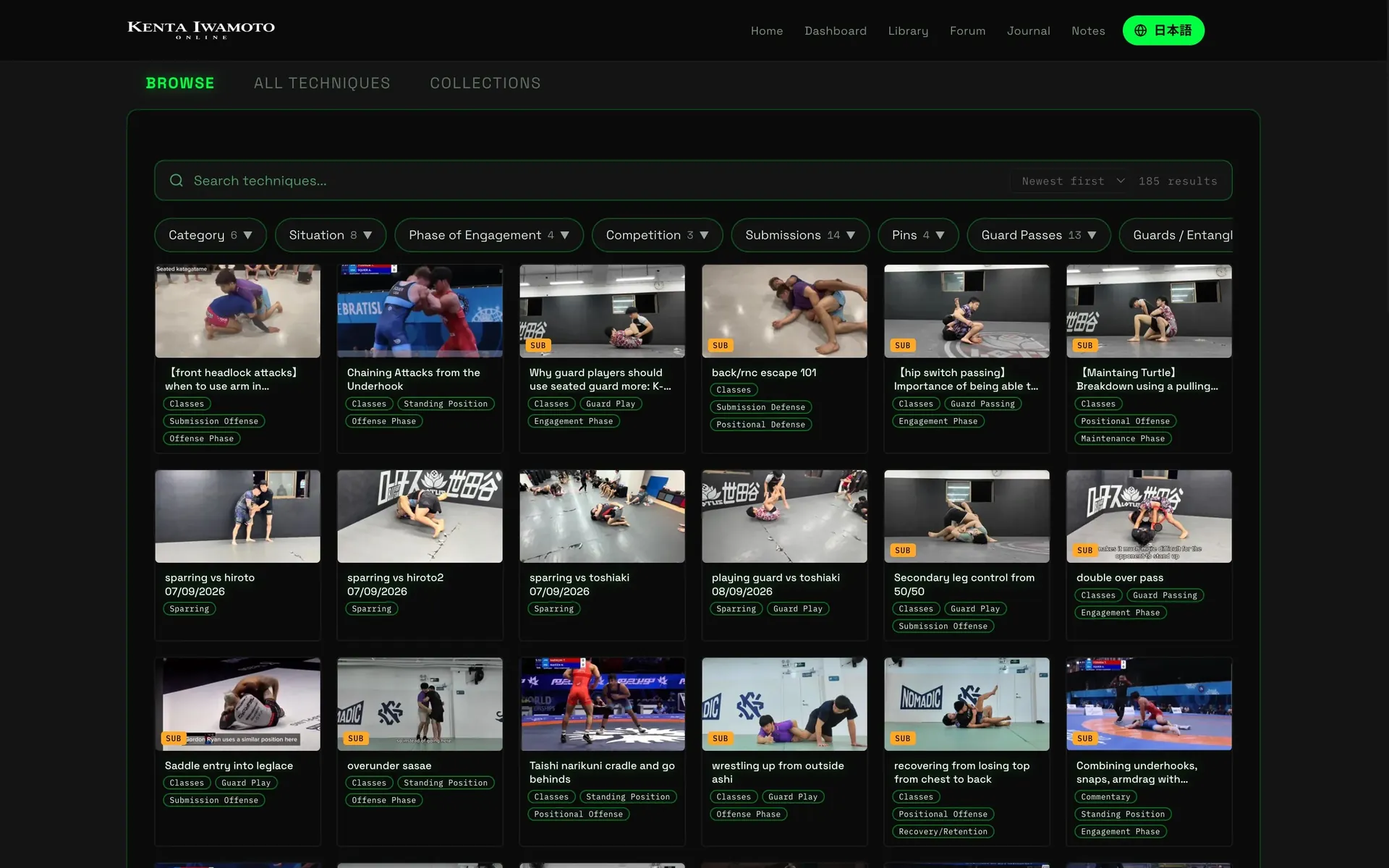
Find the technique you came for.
Sort every technique into categories you design — the way you teach it.
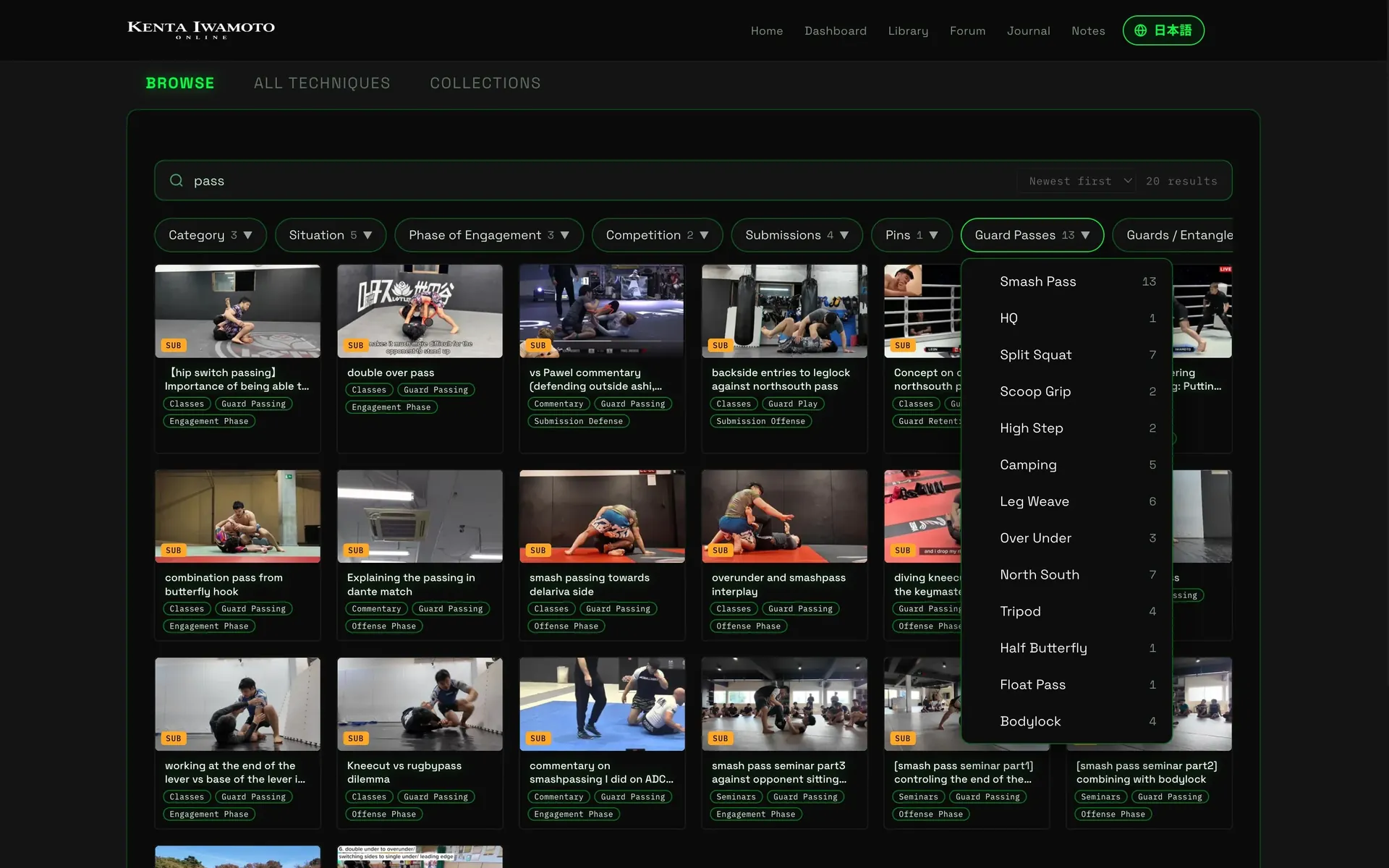
Type a word. Then narrow it down.
Search by title, then filter by category. Every option shows how many videos it holds.
 [smash pass seminar part1] controling the end of the lever
 [smash pass seminar part2] combining with bodylock
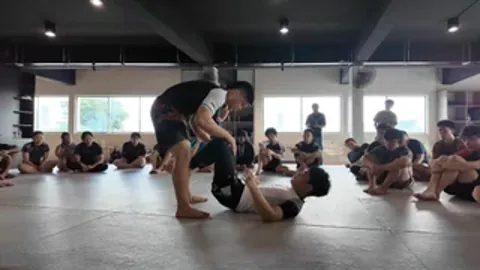 smash pass seminar part3 against opponent sitting up/ combing outside & underlegs passing
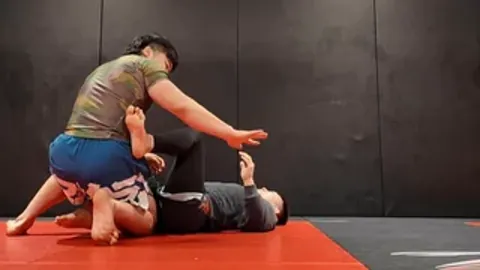 overunder and smashpass interplay
Give your teaching a sequence.
Pick a collection as a curriculum, and members get a guided path through it.
Demo from kentaiwamoto.com — click to play it in this player.
Study the movement.
- Mirror to your stance
- A–B loop one moment
- Slow it down
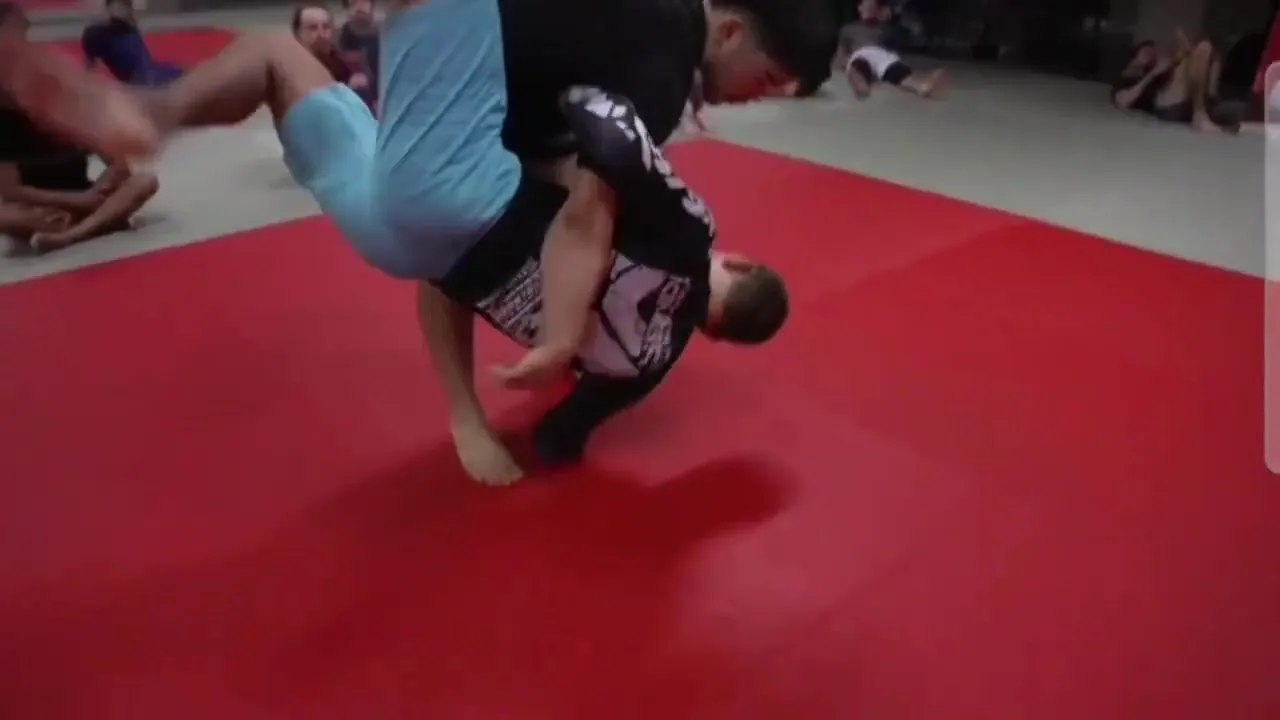
That detail. Again.
Set A and B, and the moment replays until it clicks.
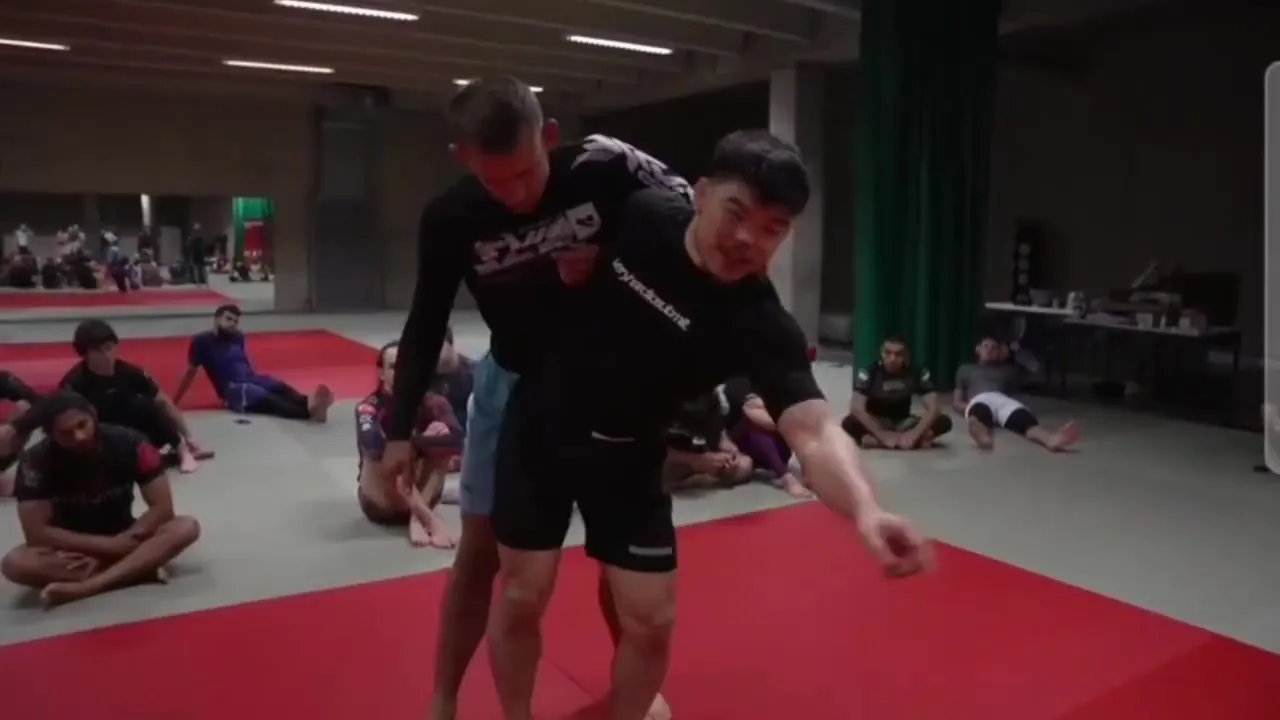 Example
Pinch the knee inward to break their base.
Just speak. The subtitles follow.
Subtitles are generated from your voice, so members can read the technique instead of straining to hear. Included on Growth and Pro. Translation into other languages is available on request, depending on your plan.
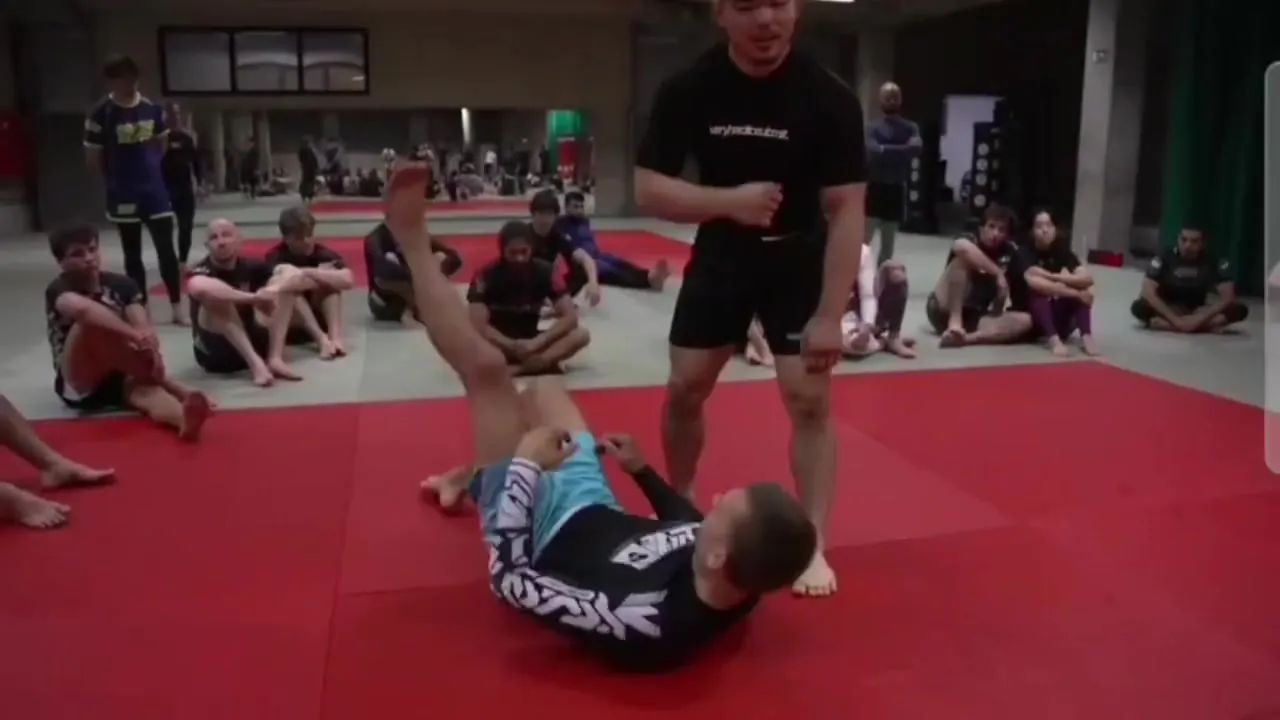
Frame first, THEN move the hips — no output without the frame.
My noteKeep the thought. Come back to it.
Members save notes at the exact moment in the video they’re about.
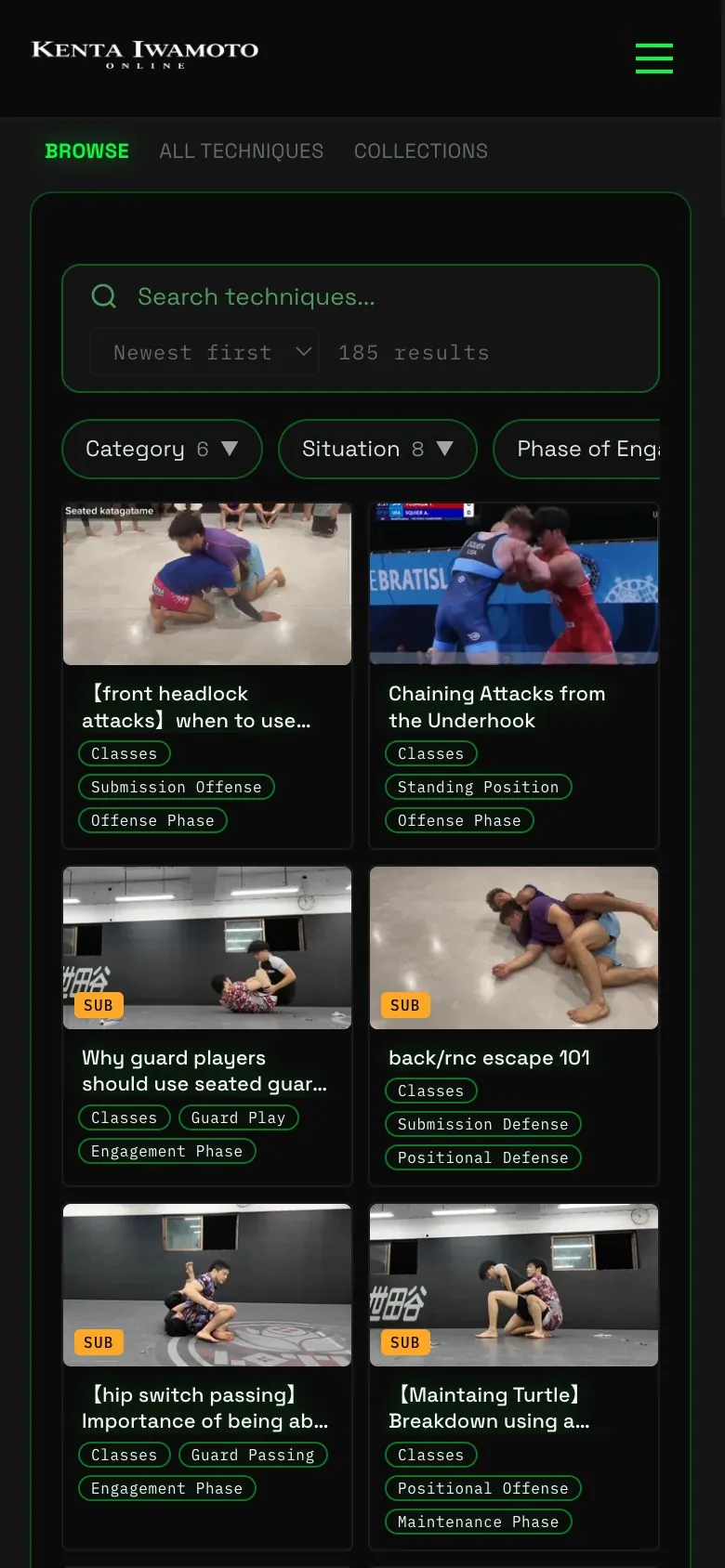
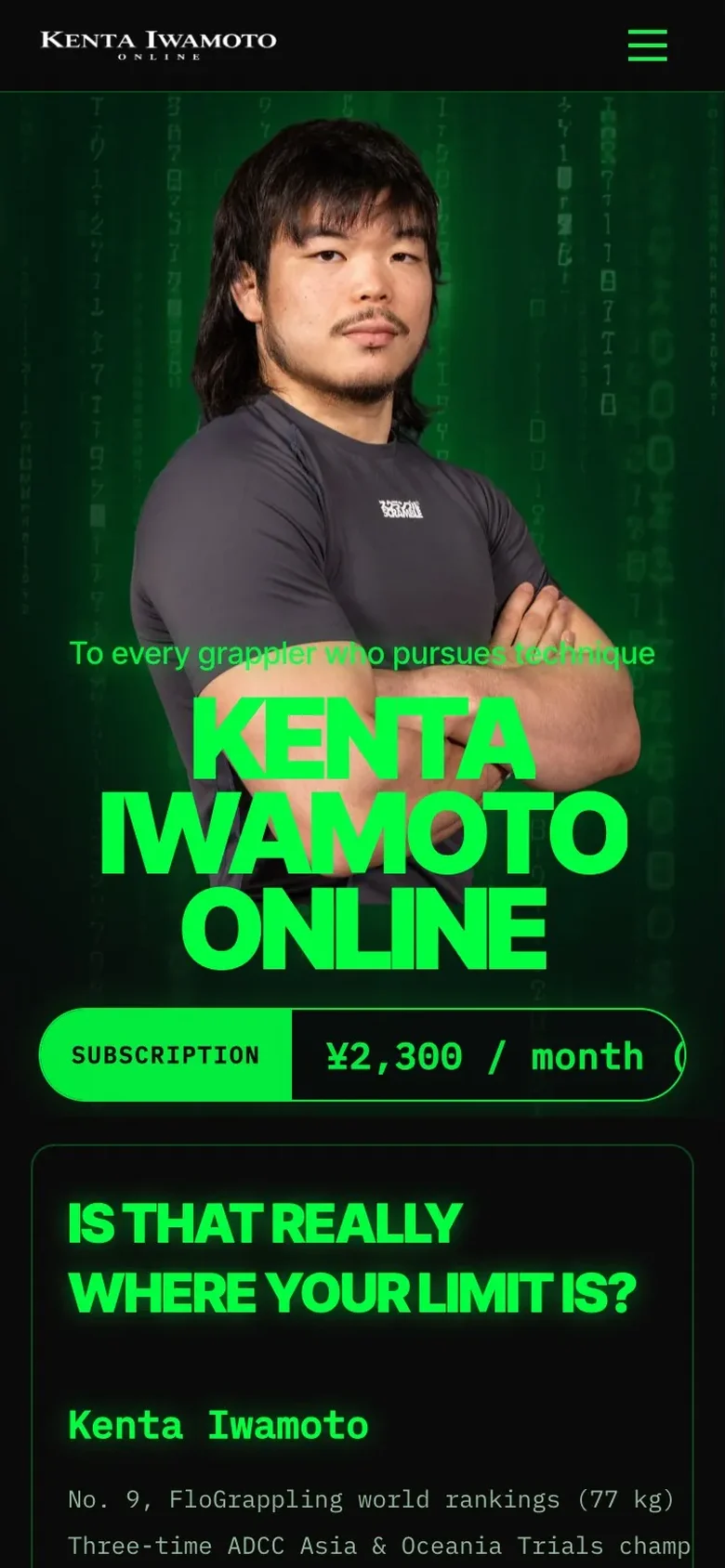
Your library, on their phone.
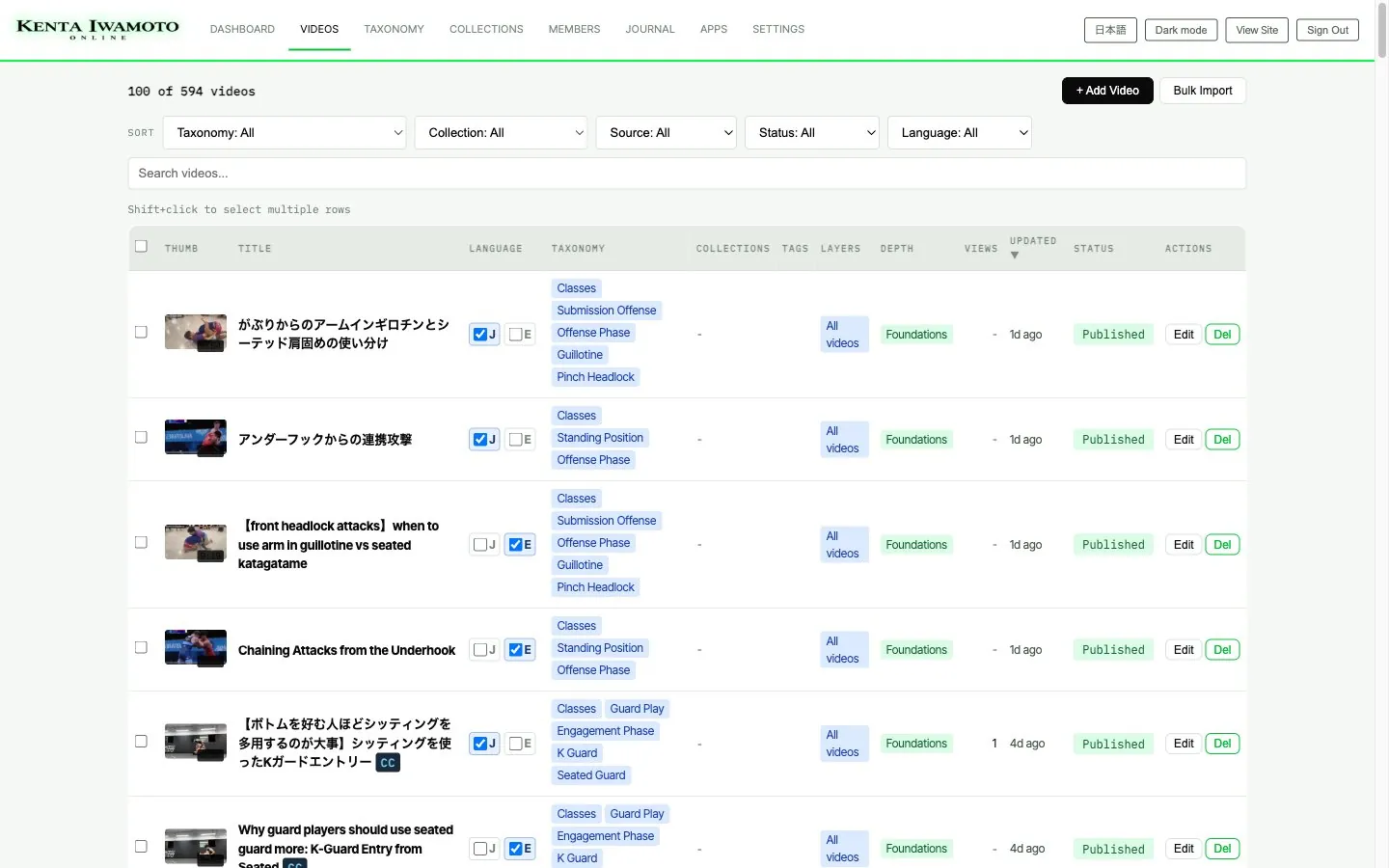
Run everything from one screen.
Upload videos, set thumbnails, sort them into categories, choose which plans can watch — all from the admin.
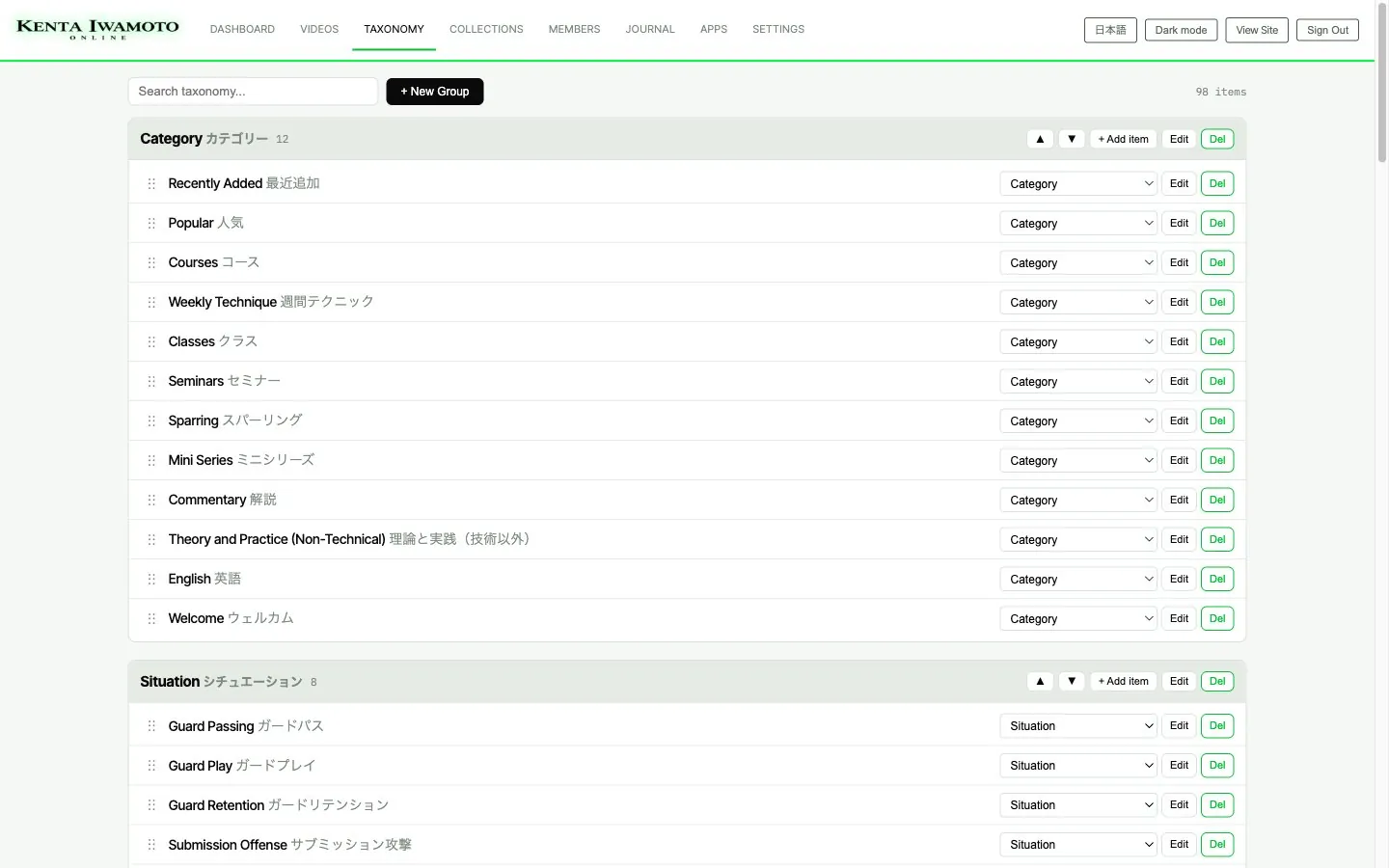
Build your own categories.
Add items, rename them, reorder them — right from the admin.
Custom option
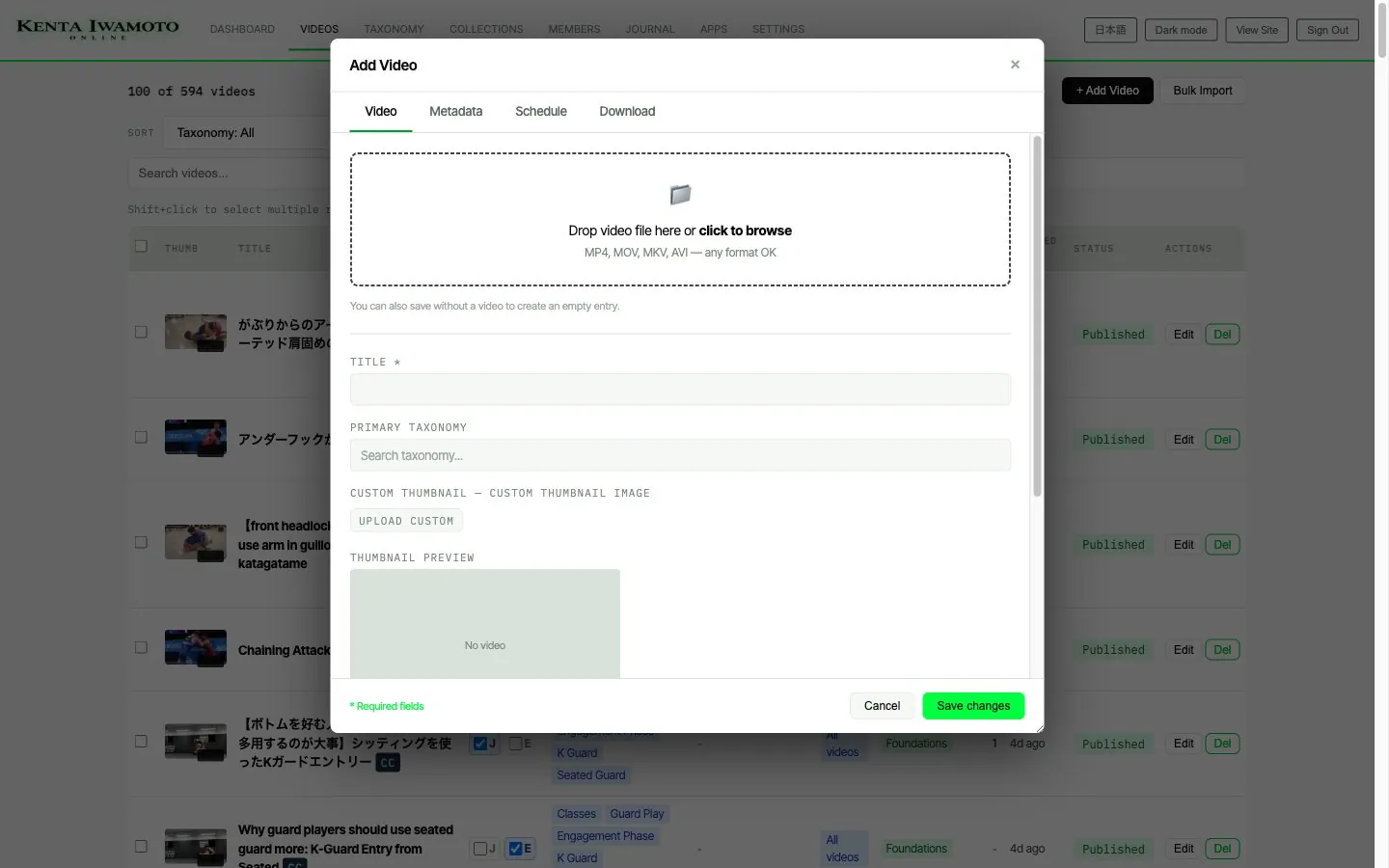
Upload from the admin — or straight from your phone.
Upload from the admin yourself. Or have it customized so that anything you drop into Dropbox from your phone is transferred to your site automatically.
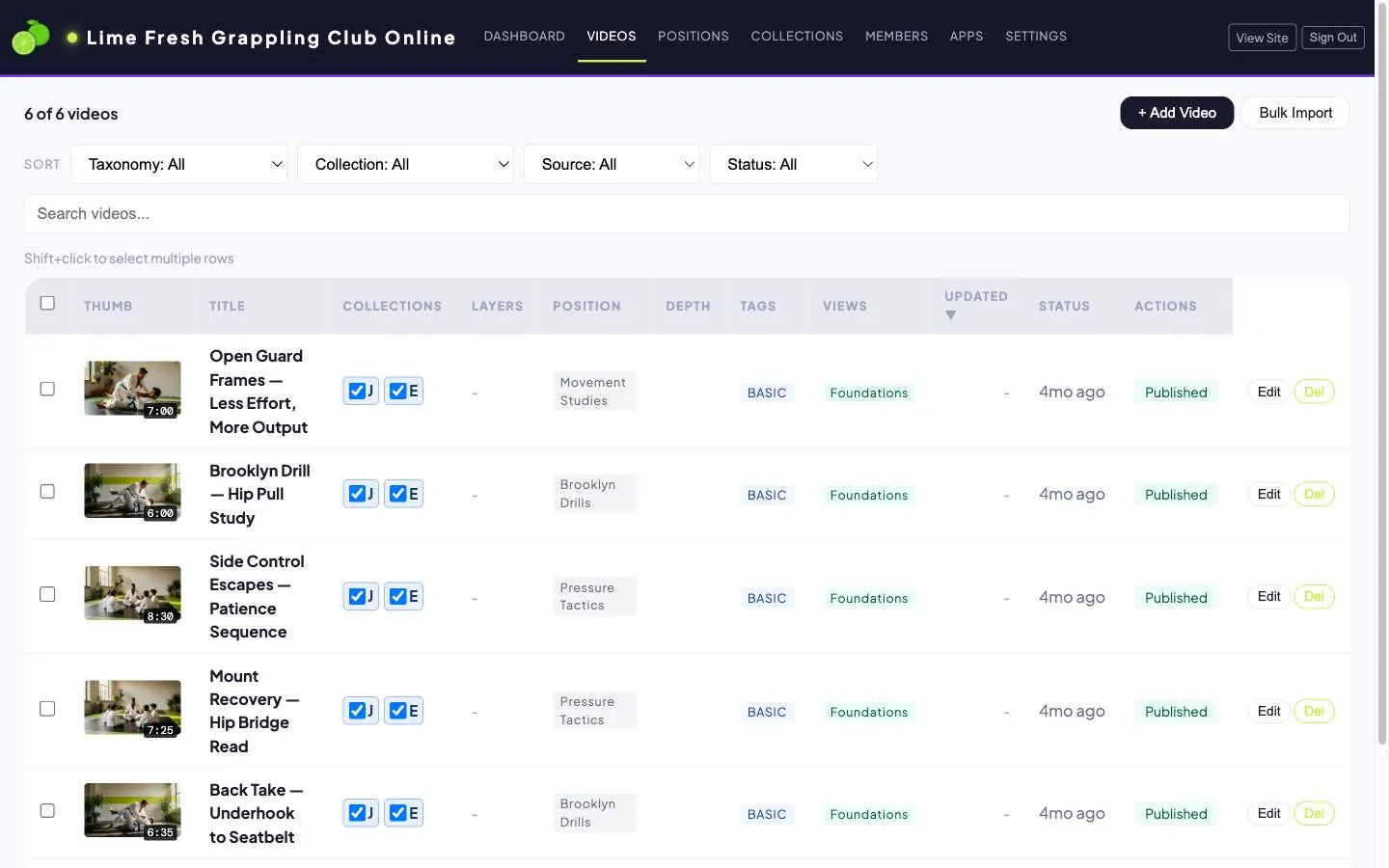
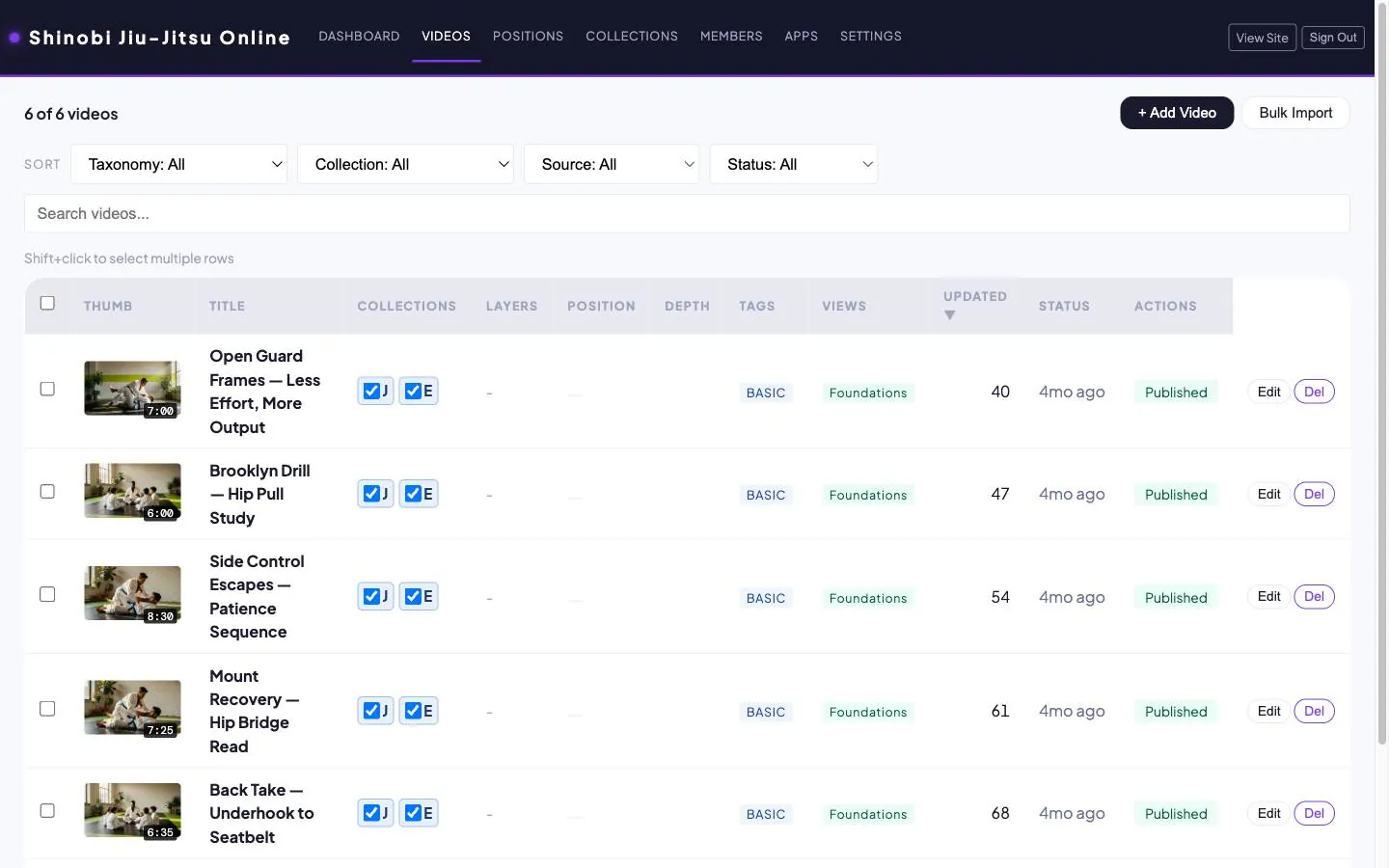
Even the admin, your way.
The admin can be customized as much as you like, so it reads the way you want.
Basic
Entry
- Fundamentals
- Beginner drills
- Intermediate techniques
- Advanced techniques
- Full seminars
Standard
Standard
- Fundamentals
- Beginner drills
- Intermediate techniques
- Advanced techniques
- Full seminars
Premium
Full
- Fundamentals
- Beginner drills
- Intermediate techniques
- Advanced techniques
- Full seminars
One library. A plan for every level.
For each video, pick which of your member plans can see it. SubPro handles the access control.
How it compares.
Not a ranking — each route suits a different kind of business.
| Route | Your brand & audience | Built for technique study | Setup & maintenance |
|---|---|---|---|
| YouTube memberships | Rented platform | No | Very low |
| Patreon | Rented platform | No | Low |
| Course platforms | Partially yours | Partial | Medium |
| Vimeo OTT / Uscreen | Your branding | General video | Medium to high |
| No-code system | Yours | Must be built | High |
| Self-hosted WordPress | Yours | Must be built | Very high |
| SubPro | Yours | Yes | Low |
- Apply
- Review
- Hearing
- Build
- Launch
Still filming? You can apply.
We recommend launching with 50+ instructional videos. You can keep filming while we review.
Video quality guidelines